
A simple checklist for reviewing AI-generated code
A practical checklist for reviewing AI-generated code with context, technical judgment, tests, maintainability, and validation before using it in a project.
AI-generated code can speed up parts of development, but it still needs to be understood, adapted, reviewed, and validated before entering a project.
Context
I have been using AI as support for studying, planning, writing, and development. It helps a lot when an idea is still loose, when I need to compare possible paths, or when I want a first version to review.
But one thing keeps getting clearer: code generated quickly is not necessarily code that is ready.
Sometimes the answer compiles. Sometimes the structure looks organized. Sometimes the snippet works in an isolated example. Even so, it may still be misaligned with the project, add unnecessary complexity, ignore existing components, or solve a different problem from the one that actually needed to be solved.
That is why I try to treat AI-generated code as a starting point. It can be useful, but it still needs understanding, adaptation, review, and validation before being considered part of the project.
Problem or question
The question behind this post is simple: what should I review before accepting AI-generated code?
This matters because AI can return a plausible answer. And plausible answers are risky precisely because they may look good enough to pass without much attention.
In development, it is not enough to ask whether the code works in the first test. I also need to ask:
- does it solve the right problem?
- does it fit the current project structure?
- does it use existing components and helpers?
- does it add a dependency or abstraction without a clear need?
- does it preserve accessibility and responsiveness when there is UI involved?
- does it pass the available validations?
- can I explain this decision afterward?
This kind of review does not need to become a heavy process for every small change. But when AI takes part in writing the code, a simple checklist helps avoid confusing speed with quality.
Process tested
The process I have been using starts before the code.
First, I try to understand the problem. If the request to AI is vague, the answer tends to follow the same path. So it helps to separate the goal, context, constraints, and validation criteria before asking for a solution.
Then, when AI generates a proposal, I do not look only at the final snippet. I compare the answer with the real project.
In the case of brunopaim.tech, for example, that means checking whether the solution respects the Nuxt, Vue, TypeScript, and Tailwind structure; whether it uses existing components when it makes sense; whether it preserves the editorial tone; whether it avoids changing sensitive information; and whether it passes validations such as build or static generation when the change touches published code.
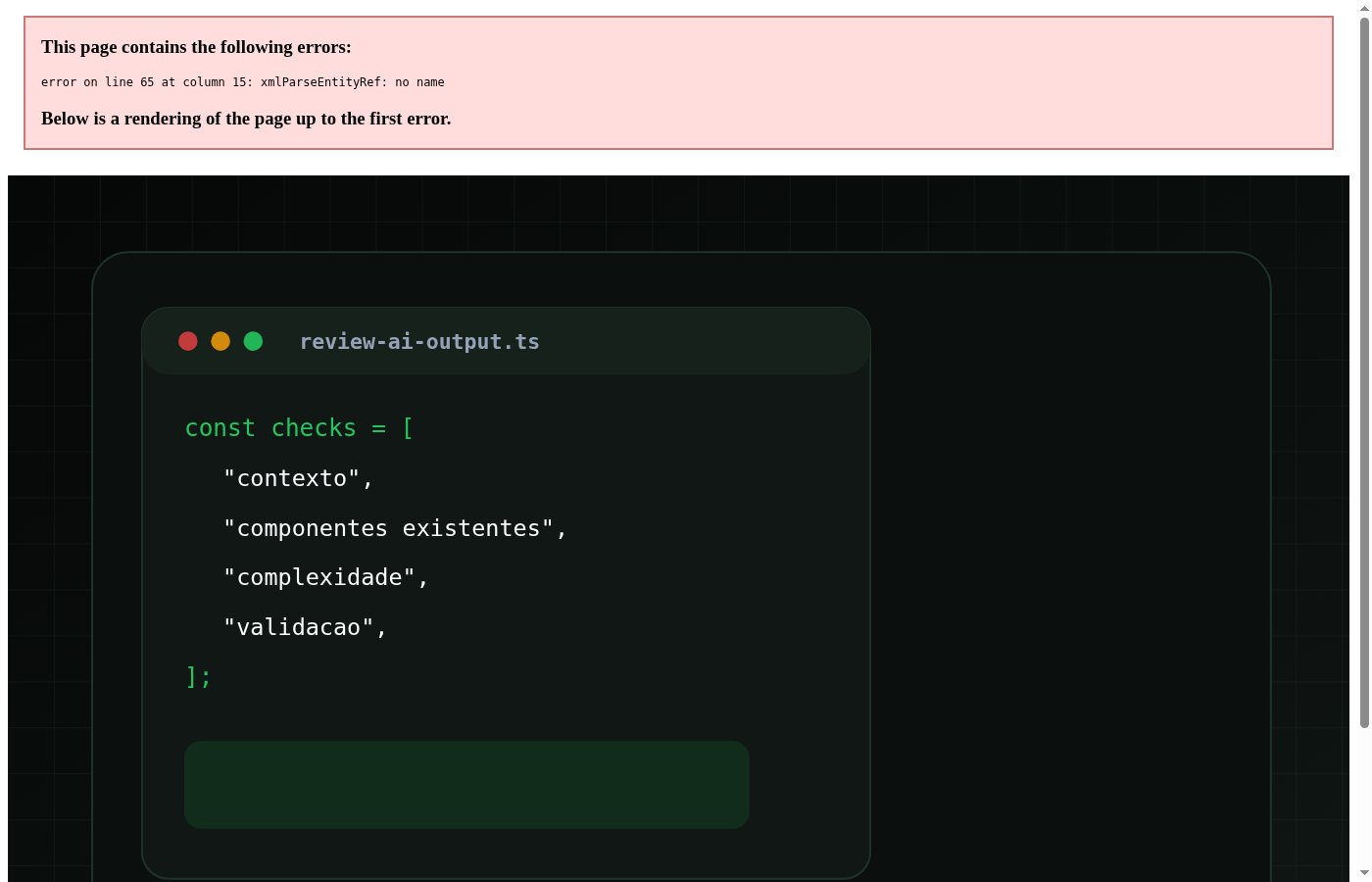
The checklist I keep in mind is:
- Do I understand the problem this code is trying to solve?
- Does the solution respect the current project structure?
- Does the code use existing components, types, and helpers?
- Did AI add a dependency, abstraction, or complexity without a clear need?
- Do state, props, events, and side effects make sense?
- Does the interface remain accessible and responsive, when applicable?
- Is there any risk of sensitive information, unsafe behavior, or invented data?
- Did I run the available validations?
- Can I explain why this solution was chosen?
This checklist is not a guarantee. It is an initial filter to turn a generated answer into something that can be evaluated with better technical judgment.
Practical example
Imagine a small change in a Vue component.
AI might suggest creating a new button, adding classes directly inside the component, and solving the visual issue. In a quick test, that may look sufficient. But if the project already has a BaseButton, a better review is to ask why the solution is not using the existing component.
The same applies to badges, cards, date helpers, localized data, or SEO patterns. If the project already has a convention, the answer needs to work with that convention.
Another example: AI may suggest installing a library to solve something simple. Before accepting it, it is worth asking:
- is this dependency really necessary?
- can the problem be solved with what already exists?
- does this choice increase future maintenance?
- does it fit the scope of the task?
It can also happen that the code works but creates a path that is hard to maintain. A very specific, duplicated, or exception-heavy snippet may solve the immediate problem, but it spreads small decisions across the project that no one wants to review later.
That is why, for me, reviewing AI-generated code is less about looking only for obvious errors and more about checking fit. The main question is not only "did it run?". It is "does this make sense here?".
Lessons learned
- Code that compiles still needs to be understood. Passing the first test does not mean it is ready for the project.
- Context changes the quality of the review. It is easier to evaluate an answer when the goal, scope, and constraints are clear.
- Existing components and patterns matter. A solution that is good in isolation can be poor if it ignores the codebase structure.
- Extra complexity needs to be questioned. AI may suggest abstractions, dependencies, or larger paths than the task requires.
- Practical validation is still necessary. Build, static generation, tests, or lint, when available, help confirm part of the result.
- The final question is personal: if I cannot explain the solution, I probably do not understand it well enough to use it.
Limits and caveats
This checklist does not guarantee that every problem will be found.
Reviewing code is a technical and contextual activity. In some cases, a simple review is enough. In others, especially when security, sensitive data, integrations, performance, or architecture are involved, the level of care needs to be higher.
I also do not think it is productive to treat all AI-generated code as bad. Many answers can be useful as a starting point, especially to explore alternatives or speed up a first version. The problem is accepting the answer as final without understanding what it is doing.
Another important limit: automated validation helps, but it does not replace human review. A passing build does not prove that the decision is good. It only confirms that one part of the system could be processed without an error at that moment.
Conclusion
The main lesson is that AI can speed up writing code, but it does not remove the responsibility to review it.
For me, the checklist works as a way to slow down enough to avoid accepting an answer only because it looks ready. Understanding the problem, checking the context, evaluating existing patterns, testing, and being able to explain the solution are still part of the work.
AI helps a lot when it enters the process as support. But technical judgment is still what decides whether the code really makes sense for the project.