
How I use documentation to work better with AI
A practical reflection on how context, specs, constraints, and criteria make AI more useful in development.
Documentation does not have to be bureaucracy. Used with judgment, it gives AI better context, reduces generic answers, and makes technical review clearer.

Context
The more I use AI to study, organize ideas, and build things, the more I notice that the quality of the answer does not depend only on the tool. It depends a lot on the context that comes before the request.
It is common to talk about the prompt, the model, or the tool, but there is an earlier step that makes a real difference: documentation.
At first, it is tempting to open a conversation with AI and ask directly for a solution. Sometimes that works. For a simple question or a quick explanation, it may be enough. But when the topic involves a real project, with its own patterns, constraints, previous decisions, and a specific goal, a loose request tends to produce a loose answer.
That is why I started paying more attention to documentation, specs, and acceptance criteria in my workflow. Not as heavy formalism, but as a way to make the problem clearer before asking for help.
Problem or question
The question behind this post is simple: how can documentation help me work better with AI without turning the process into bureaucracy?
For me, the main point is that AI does not automatically know the project context. It can suggest paths, structures, texts, or pieces of code, but it needs direction to understand what makes sense in that specific case.
Without context, AI tends to fill in the gaps. And that is one of the biggest risks: it can return an answer that is plausible, well written, and apparently complete, but misaligned with the goal, the project tone, or the existing structure.
In the case of a personal site like brunopaim.tech, for example, it is not enough to generate a nice-looking section or a correct text. The content needs to respect positioning, tone of voice, sensitive constraints, project structure, editorial workflow, and now the English version too. If that is not documented, it becomes easier for the answer to drift into something generic.
Process tested
The path I have been using is to separate a few pieces of information before asking AI for anything more relevant.
It does not need to be a huge document. In many cases, organizing four points is enough:
- What problem I want to solve.
- What project context matters for that decision.
- What constraints need to be respected.
- How I will validate whether the answer makes sense.
When these points are clear, the conversation changes. Instead of asking "create an outline about documentation", it works better to explain the role of the blog, the expected tone, what should not appear, the editorial order, and the next step in the workflow.
This does not guarantee a perfect answer, but it increases the chance that AI responds inside a more useful space. More importantly, it makes the review easier afterward.
One important point is that documentation is not only for AI. It is also for the person reviewing the answer. When there is a spec, a checklist, or a guideline, it becomes easier to compare what was generated with what had been agreed.
Practical example
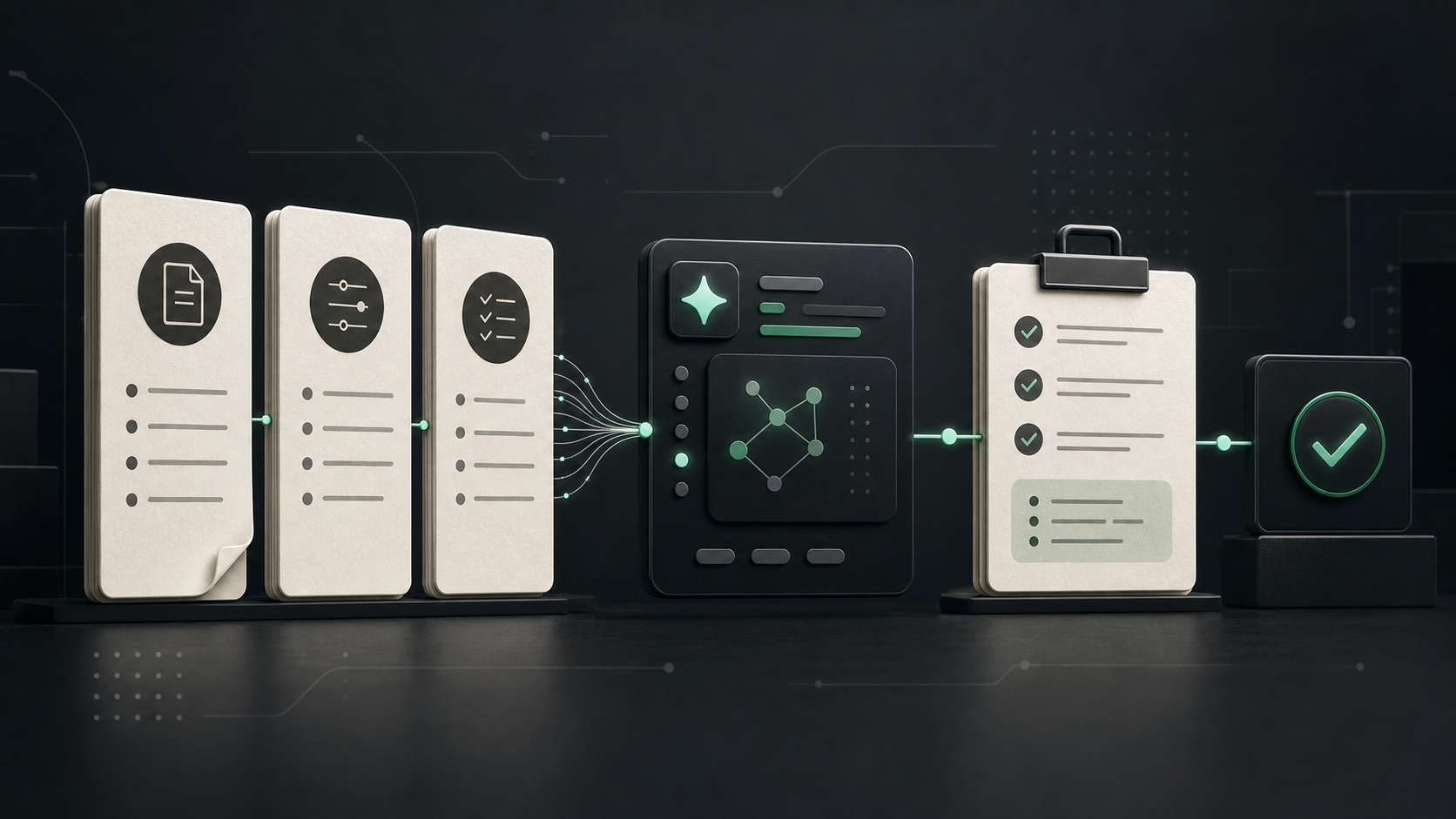
A simple example is the blog content workflow.
Before creating a post, the idea goes through stages: editorial backlog, outline spec, strategic outline, draft article, repurposing, manual approval, and only then implementation on the site.
This flow may look slower than simply asking for a finished article, but it solves an important problem: it separates planning, writing, and publishing.
In practice, a short spec helps answer questions such as:
- what is the goal of this content?
- who is the main audience?
- what thesis does the text need to defend?
- what is out of scope?
- is there a risk of sounding like direct selling?
- is there any sensitive information that must be avoided?
- how will this content be repurposed later?
- what needs to exist in Portuguese and English?
With these answers, AI is not working in the dark. It receives context that is closer to what the project needs.
The same applies to development. Before asking for an implementation, it helps to register the goal, affected files, existing components, visual constraints, and acceptance criteria. If the answer suggests a new dependency, a different pattern, or a change larger than necessary, it becomes easier to notice the deviation.
Lessons learned
- Documentation reduces ambiguity. The clearer the problem is, the lower the chance that AI returns something generic.
- Small specs already help a lot. Not every task needs a long document.
- Acceptance criteria improve review. They provide an objective reference to validate the answer.
- Project context matters. Without it, AI can suggest something technically correct but misaligned with the existing codebase.
- Documentation also protects positioning. For content, it helps avoid commercial tone, exaggerated promises, and sensitive information.
- The English version needs to be considered early. On a multilingual site, it is not enough to write in Portuguese and translate at the end without reviewing tone, naturalness, and technical terms.
Limits and caveats
I am still refining this process, and I do not think everything needs to become a formal spec.
For small tasks, a clear description inside the request itself may be enough. If the change is simple, documenting too much can create unnecessary friction. The point is not to turn every action into bureaucracy.
The bigger care comes when the task touches public content, positioning, visual structure, architecture, editorial workflow, or any decision that can affect other parts of the project.
It is also important to remember that documentation does not replace understanding. It helps organize context, but the review remains human. AI can use a spec as reference, but it is still up to the developer or writer to validate whether the result is correct, coherent, and sustainable.
Conclusion
The main lesson is that documentation improves the use of AI because it improves the context.
It is not about writing large documents. It is about registering enough for the problem, constraints, and criteria to be clear.
When AI enters a process with context, it tends to help better. And when documentation exists, the review also becomes more objective. For me, that is the balance that makes sense: using AI to speed up parts of the work while keeping clarity, technical judgment, and responsibility for the result.